
Deleted items are moved to the recycle bin. There they can be restored or permanently deleted.
Permanently deleted objects can not be restored later.
The recycle bin can be used in the workspace view of the web application (in the browser).
Here it is one of the main nodes in the navigation pane.
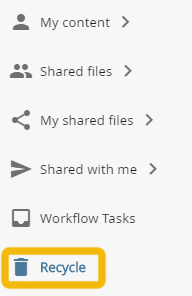
recycle bin in the workspace view
on this page:
Permanently deleting individual objects
Open the recycle bin by clicking the corresponding node in the navigation area.
The recycle bin will open in the content pane. The search above the content pane helps you find the wanted objects.
Open the context menu for the desired object. Select the "delete" option.
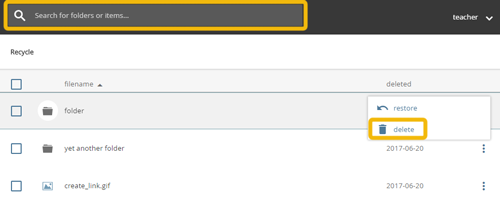
context-menu in the recycle bin
Permanently deleting multiple objects
Open the recycle bin by clicking the corresponding node in the navigation area.
The search above the content pane helps you find the deleted objects.
Check the desired objects in the recycle bin by clicking / tapping them and selecting the "DELETE" option in the action pane of the workspace.
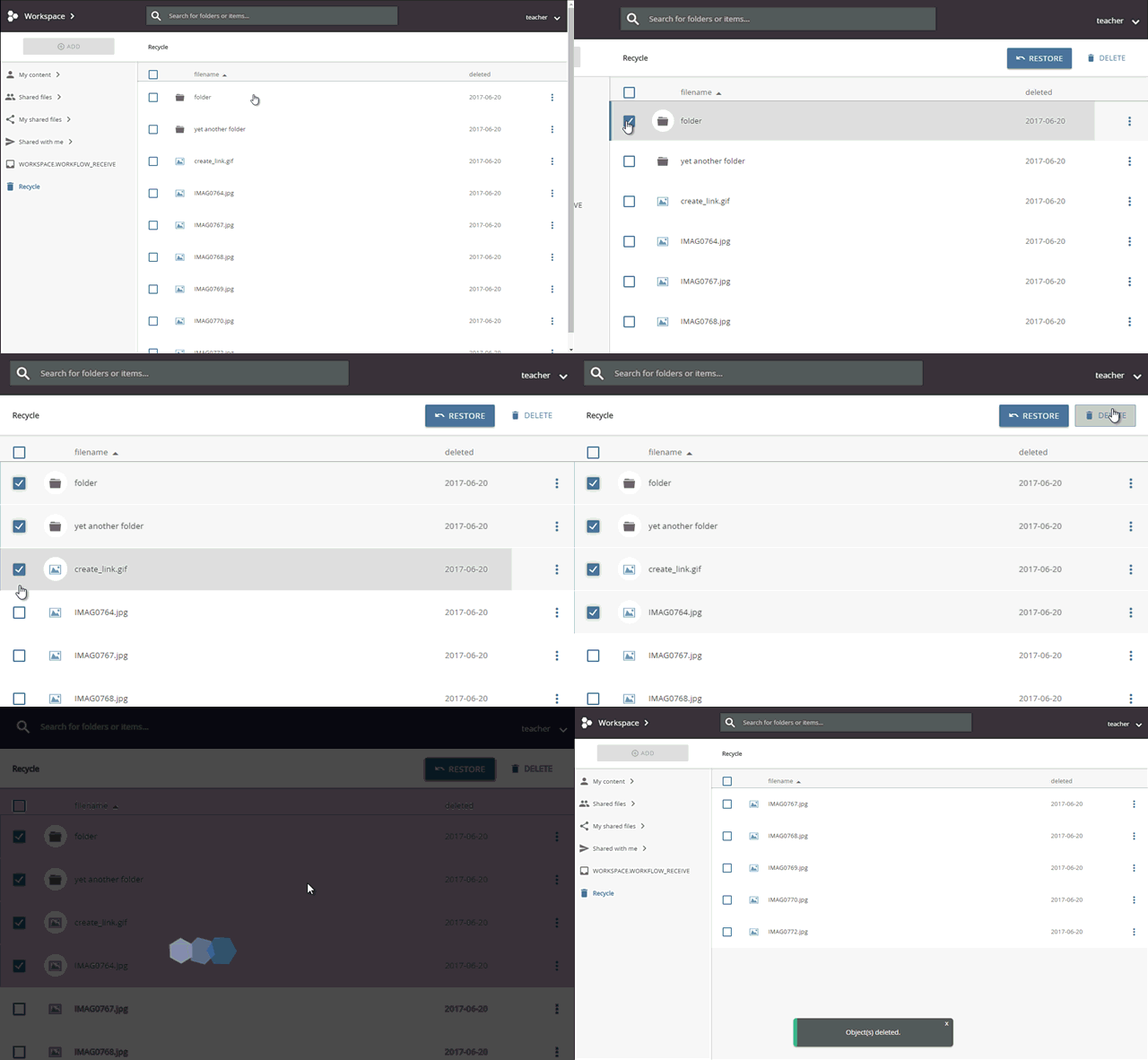
permanently deleting multiple objects