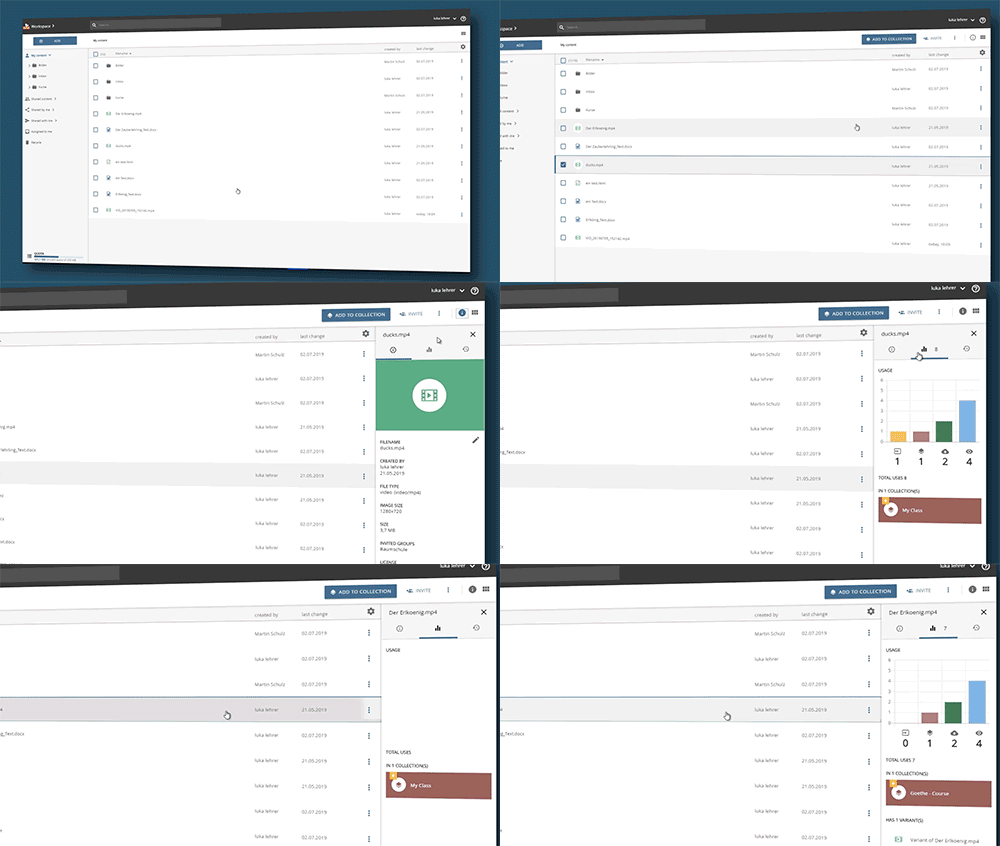
The number of uses of an object can be controlled in the workspace. The system displays this for each object:
-
The number of calls/views
-
the number of downloads
-
The number of times the object is used in collections (the corresponding collections are displayed below the statistics).
-
the number of uses of the object in connected systems such as the LMS "Moodle
Display usage statistics
-
Select the required object in the workspace.
-
Click on the "i" icon above the content area of the workspace.
-
Select the "Statistics" tab in the information bar.